Customize the fulfilment portal
By uploading your logo and a custom text, you can adjust the fulfilment portal to match your branding.
Customize
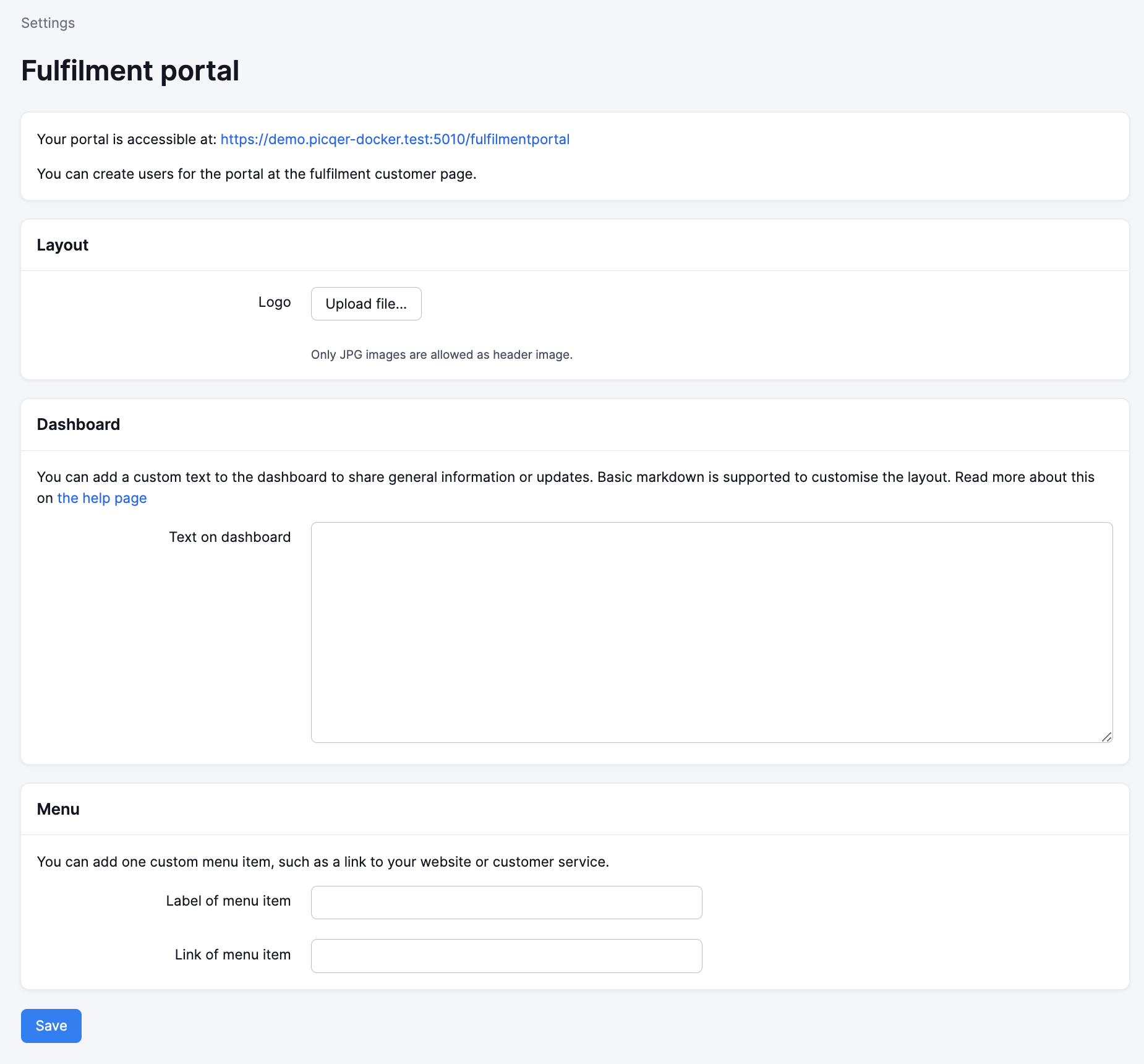
In Settings > Fulfilment portal, you add your own logo, text, and link. These customisations are visible directly for all fulfilment customers with access to your portal.
Branding
By default, the name of your fulfilment company as set under Settings > Company details is displayed in the top left corner of the portal. You can set a hex color code for your background.
To show your own logo here, add it as a JPG or PNG image. Use a transparent PNG image to let the background color show through.
Menu item
Optionally, add your own link, such as to your website or customer service. This link is displayed at the bottom of the menu, right under Reports.
Text on the dashboard
Add a text to the dashboard to share general information or updates. Basic markdown is supported for headers, lists, links, and more. You can format text as follows.
- Headers are created with hash(es) (#) at the start of the line. Always put a space between the hash and the text. The more hashes, the smaller the header.
- Horizontal dividers are created with three dashes on an empty line (---). Put an empty line above and below to create a separation between paragraphs.
- Bold and italic text is created with asterisks around the text.
- *italic text* with one asterisk
- **bold text** with two asterisks
- ***both at once*** with three asterisks
- Links can be placed directly. You can also link a specific word. You do this by using square and round brackets: [Word you want to link] (link).