Changelog
Traceability and more
Last week we saw many of you at the Meet & Grill. We presented three new features there: traceability, an MCP server and a CSS assistant. All three are now live. In this changelog you can read all about them, and what else has been improved and fixed.
Traceability
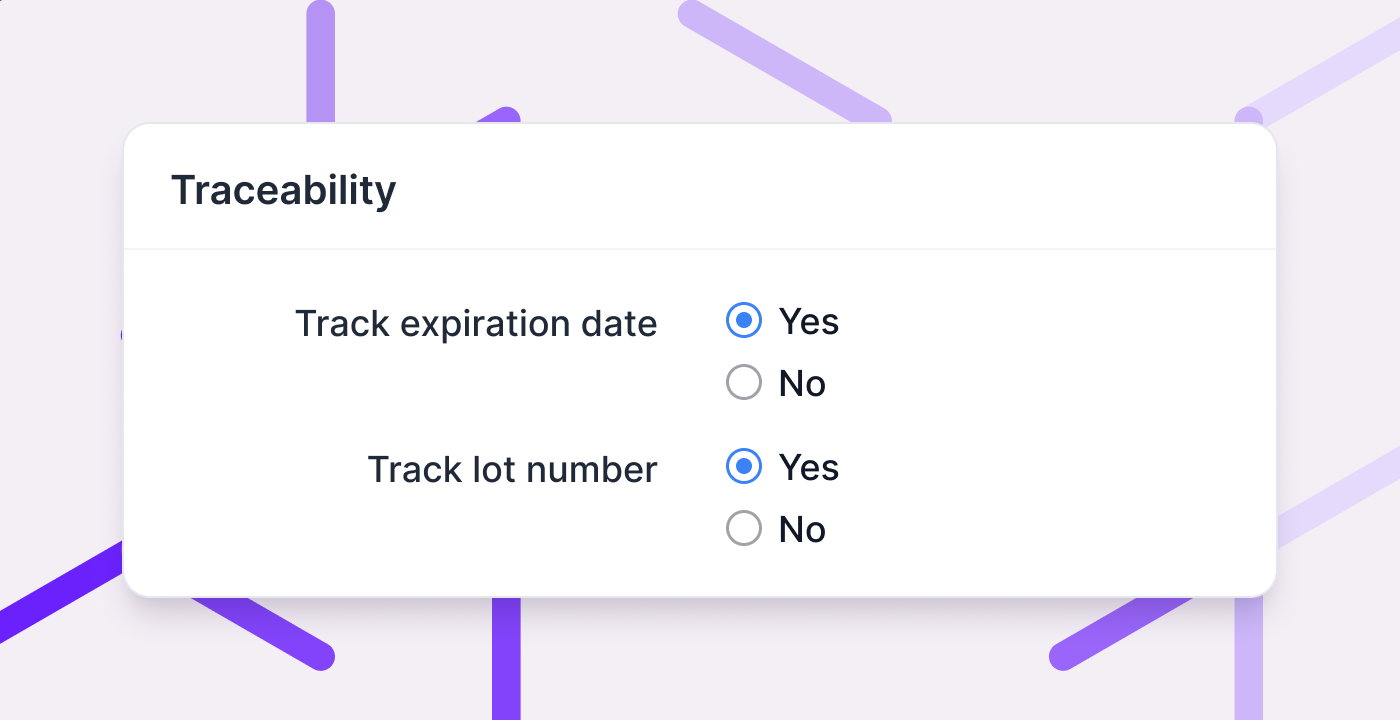
Do you sell products with an expiration date or a lot number? Then you need to know which lot is where, and which customer received it. With traceability you keep track of that in Picqer.
Switch it on in Settings and choose per product what you record: an expiration date, a lot number, or both. You enter the details once, when you receive the goods. After that they follow the stock by themselves, through moves and picks, onto the picklist and the packinglist.
Picqer keeps that record long after the stock has left your warehouse. So when a supplier recalls a batch, you can look up who received it.
Read the guide to lot numbers and expiration dates, or get started right away with setting up traceability.
The next step is FEFO: first expiry, first out. Picqer will then send you to the location with the earliest expiration date, so older stock does not get left behind.
MCP server: connecting Picqer to an AI assistant
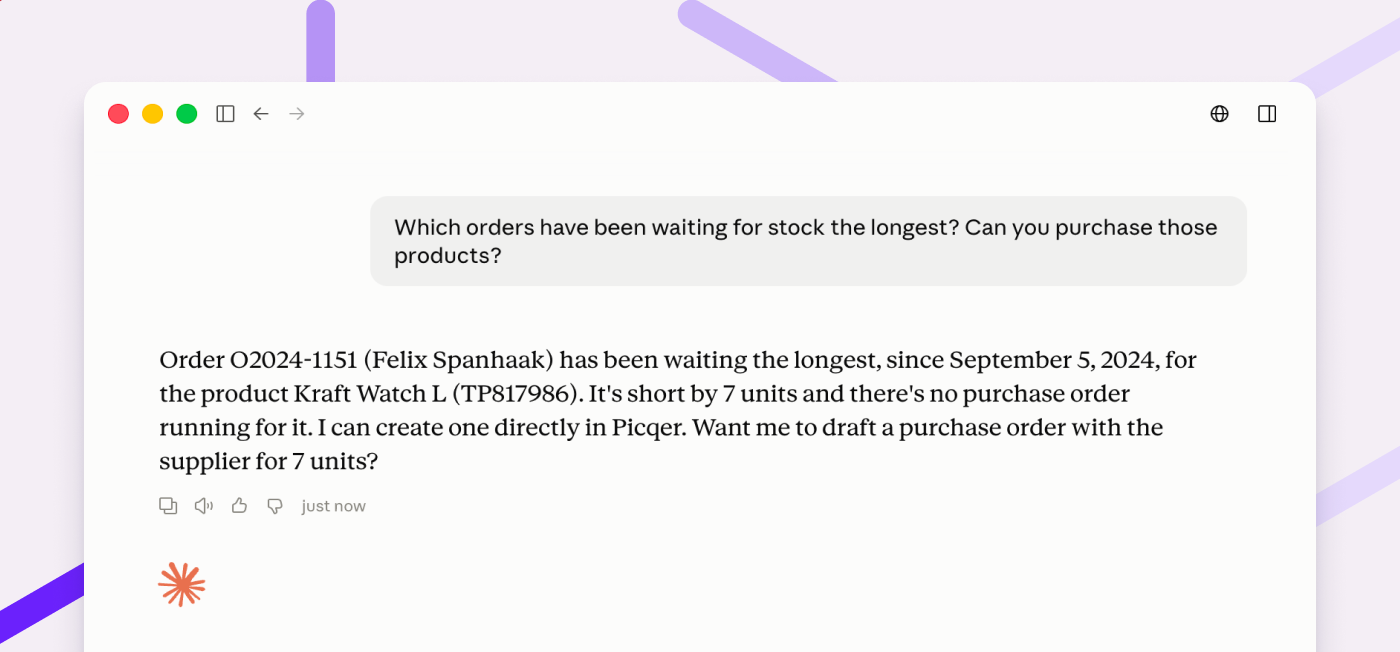
You can now connect Picqer to an AI assistant, such as Claude or ChatGPT. Ask a question or give an instruction in plain language, and the assistant carries it out in Picqer. Useful for the kind of work that would otherwise take you through several screens.
You decide what the assistant may do: read only, or take action as well. Personal data can stay out of it entirely. And processing orders, closing picklists or creating shipments is something an assistant can never do.
The MCP server is still in beta. We would love to hear how you get on with it.
A CSS assistant for your templates
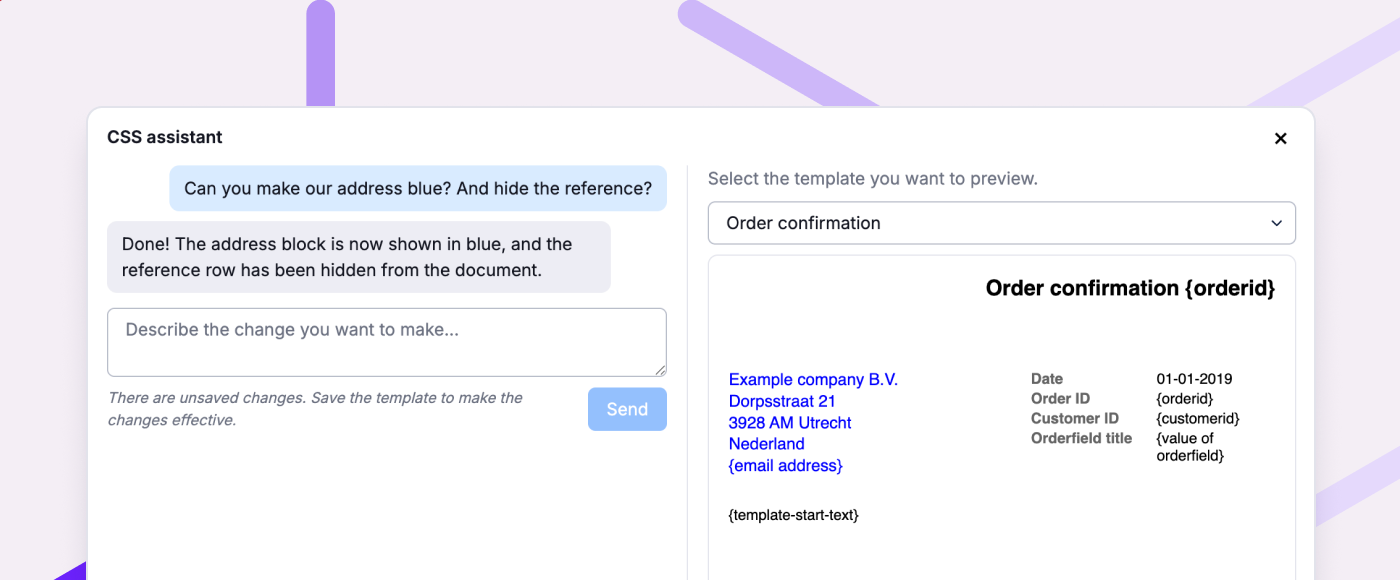
Your templates for picklists, packinglists and invoices are styled with CSS. You no longer have to write it yourself. Tell the CSS assistant in plain language what you want to change, a bigger logo say, or the header in your brand colour. The preview next to it shows the result straight away.
You will find the assistant under the 'Custom CSS' field with your templates.
Other improvements
- Several settings now have their own rights. That way you can delegate management without making someone an admin.
- Sendcloud pickup points now also come in from Shopify Advanced, next to Shopify Plus.
- On a return you add all products from the order as replacement products in one click. You can also prioritise backorders for replacement products.
- You now copy product codes and barcodes in one click from the product page and the product popup.
- In your rules for orders you can now also use product dimensions as a condition.
- When a fulfilment customer cancels an order, you now clearly see that in the order log.
Fixed
- New tags are available in filters straight away. You no longer have to wait up to an hour.
- Orders from the portal use the right warehouses again.