Reports in the fulfilment portal
The fulfilment portal includes several reports that give you insight into the activities your fulfilment company has carried out on your behalf, your products, and your stock levels. Each report has its own detail page that can be exported to Excel.
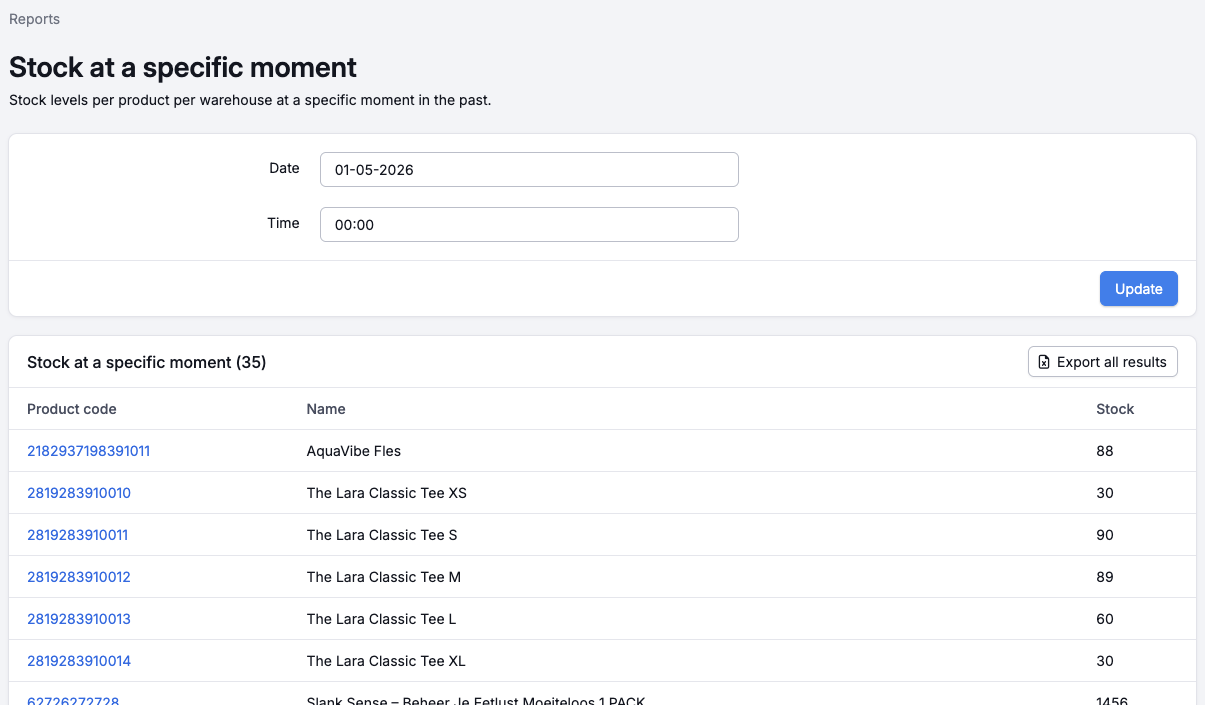 An example of the "Stock at a specific moment" report.
Available reports
You can find the reports via the menu in the fulfilment portal. The following reports are available:
- Fulfilment — an overview of the actions your fulfilment company has taken in a selected period and how much storage you are using.
- Best selling products — all products sold in a period, sorted by number sold.
- Products never sold — products that have never been sold within a period.
- Most returned products — an overview of the most returned products within a specific period.
- Stock at a specific moment — stock levels per product per warehouse at a specific moment in the past.
Exporting
Each report can be exported to Excel using the export button on the report's detail page.