Comments in the fulfilment portal
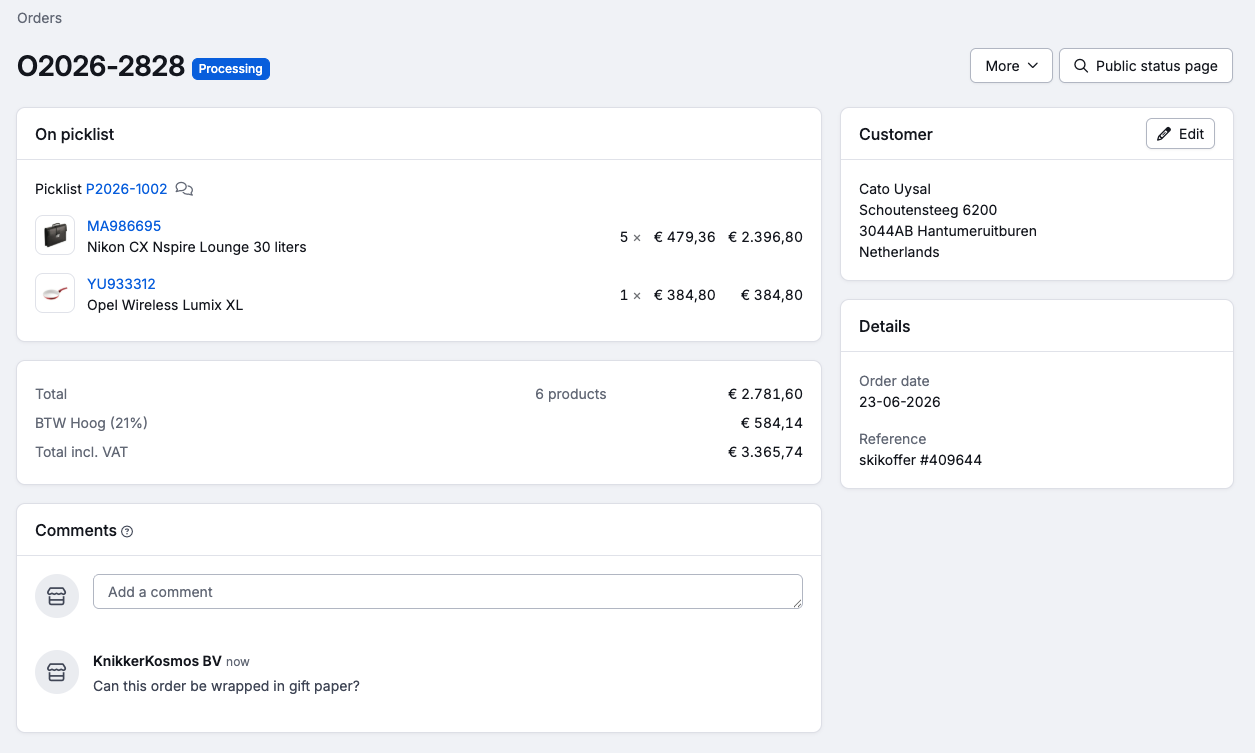
As a fulfilment party, you communicate with your customers via comments. This is possible on orders, pick lists, returns, products and purchase orders.
Placing comments
Both the fulfilment party and the fulfilment customer can place comments.
When placing a comment, the fulfilment party can choose whether it is visible in the fulfilment portal, or remains internal only. Comments from the fulfilment customer are always visible to the fulfilment party.
Finding comments
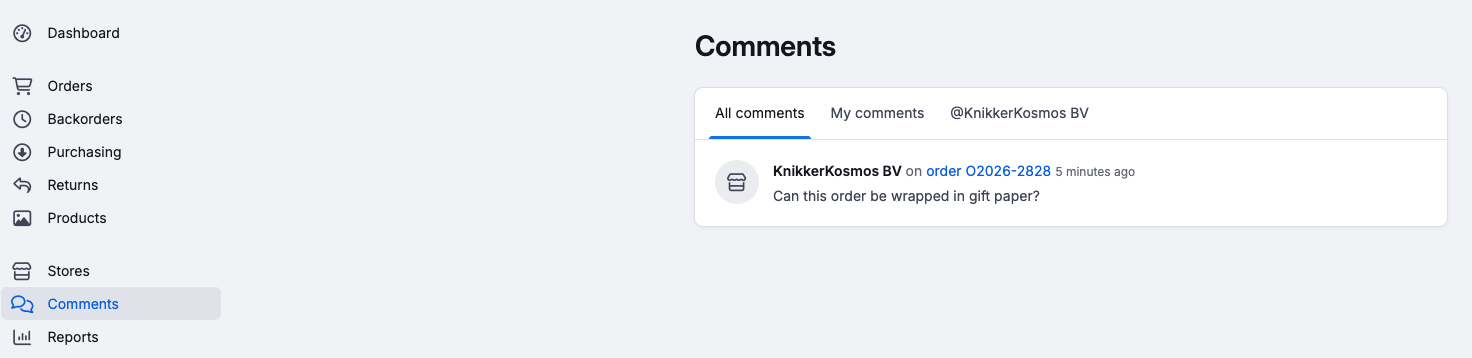
Fulfilment customers can find the comments in the comments overview of the fulfilment portal.
As a fulfilment party, you find the comments at the top right of Picqer.
Mentioning specific people with an @mention
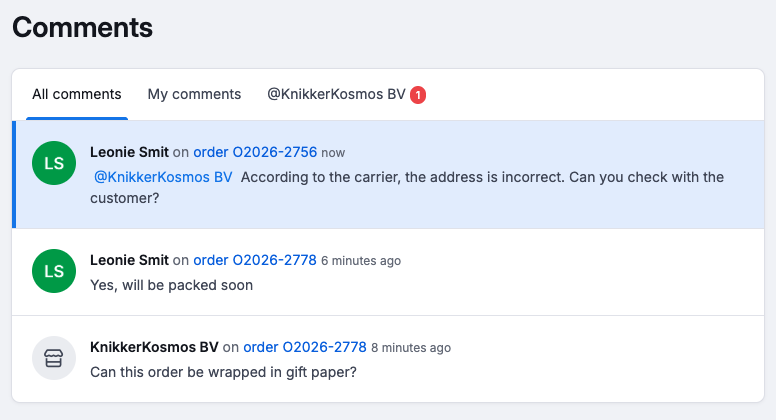
Through an @mention, you refer directly to the fulfilment customer in a comment, which is useful when you want to be sure that the fulfilment customer sees your comment.
When the fulfilment customer is mentioned in a new comment, a notification appears in the menu. Unread comments get a blue background in the overview. After visiting the page with the comment, or clicking 'Mark as read', the marking disappears.
Email notifications for mentions
Fulfilment customers can receive an email notification when they are mentioned, so they don't miss any mentions when they are not logged in to the portal. Via the email, they arrive directly on the correct page to respond. Notifications are on by default; the fulfilment customer can turn them off themselves in the portal.
To be able to send email notifications, Picqer needs an email address for the fulfilment customer. You add this to the fulfilment customer's account in Picqer, or the fulfilment customer fills it in themselves via the portal.