
Traceability
Track lot numbers and expiration dates in Picqer
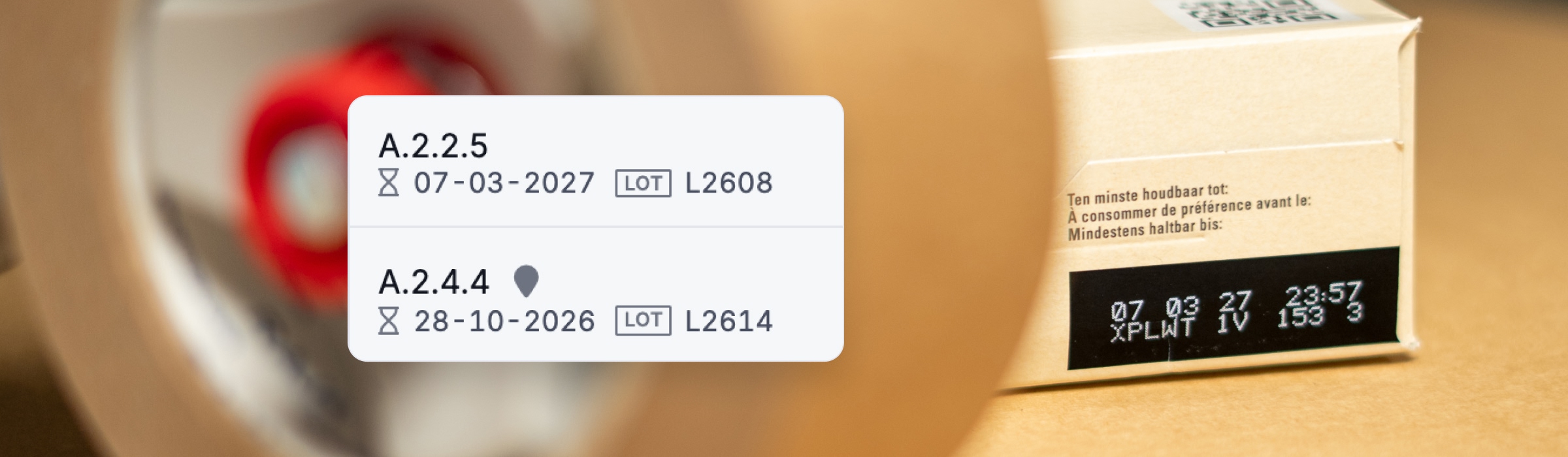
Do you work with food, supplements, cosmetics or other products with an expiration date or lot number? With Picqer you always know which lot or expiration date you ship, and in a recall you know exactly who received it. You enter the lot details once on receipt, and Picqer takes care of the rest.
In short
- You choose which products you trace.
- Each location holds one lot of a product. That way Picqer always knows which lot you pick, without an extra step.
- When picking, Picqer automatically chooses the stock that expires first.
- In a recall, you see straight away which customers received which lot.
No extra work in your warehouse
In many warehouses, tracking lot numbers and expiration dates means extra work. You scan on receipt, you scan again when picking and you check afterwards. In Picqer you enter it once on receipt. After that, the details move along automatically when you move or pick stock, all the way to the picklist and the packing slip. And even once the stock has left your warehouse, Picqer still knows which lot went to which customer.
-
Receive
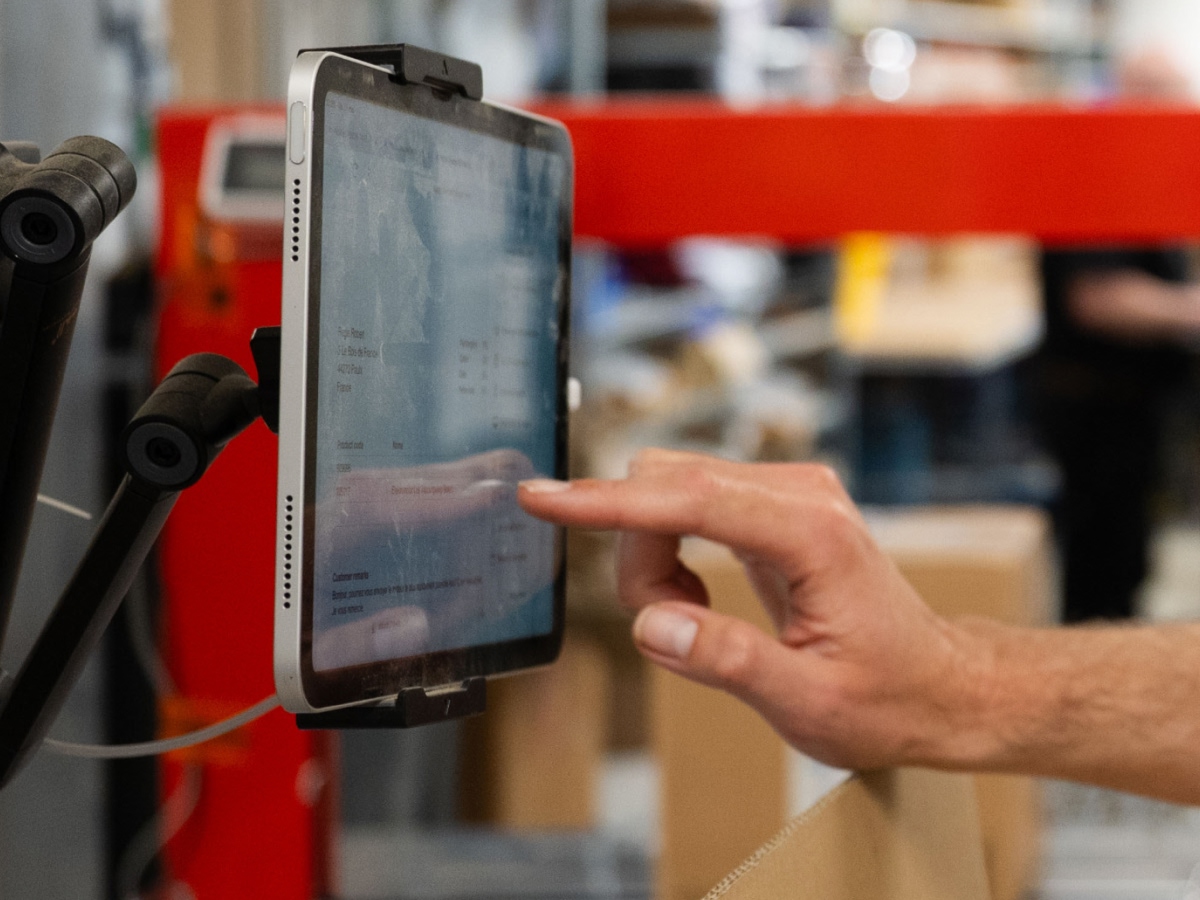
Enter the lot number, the expiration date or both on receipt.
-
On location
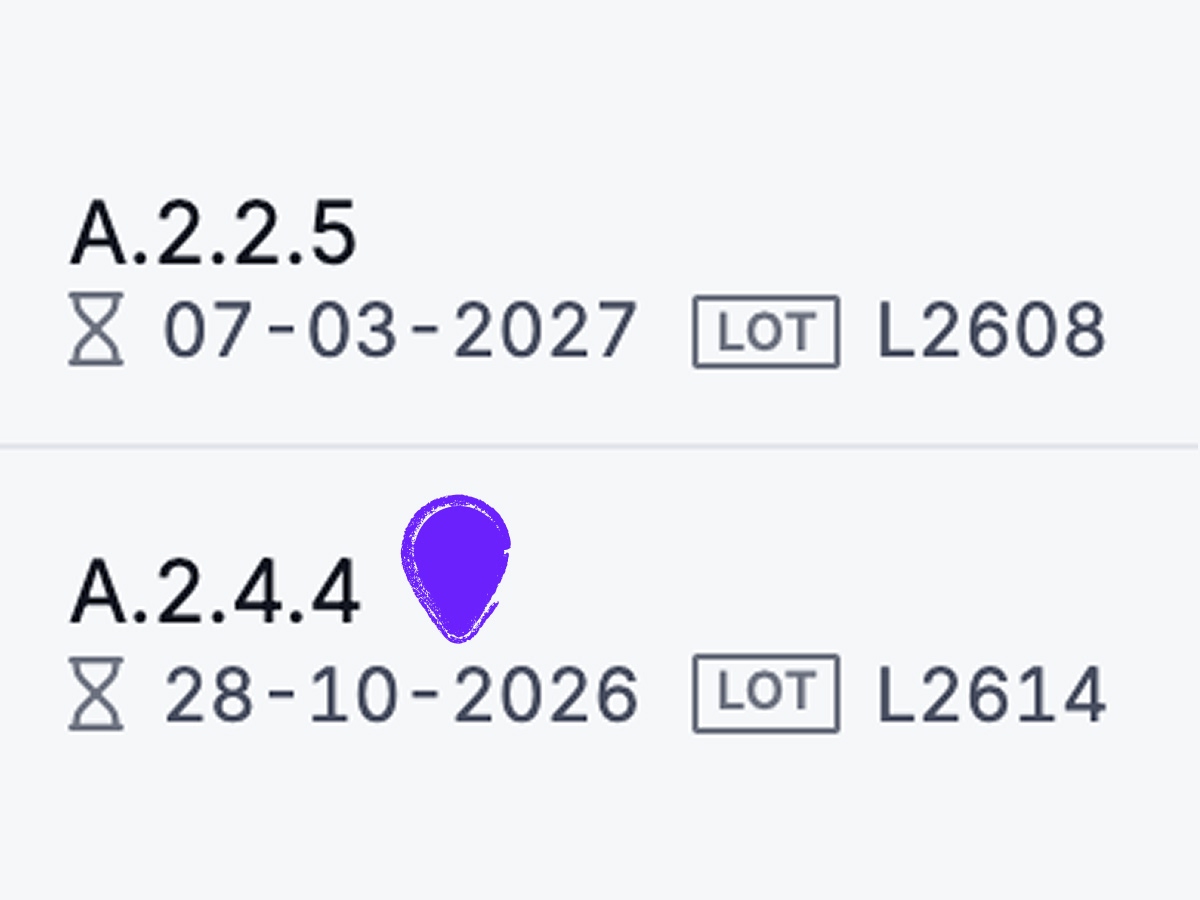
Picqer remembers which lot is on each location, even when you move stock.
-
Pick
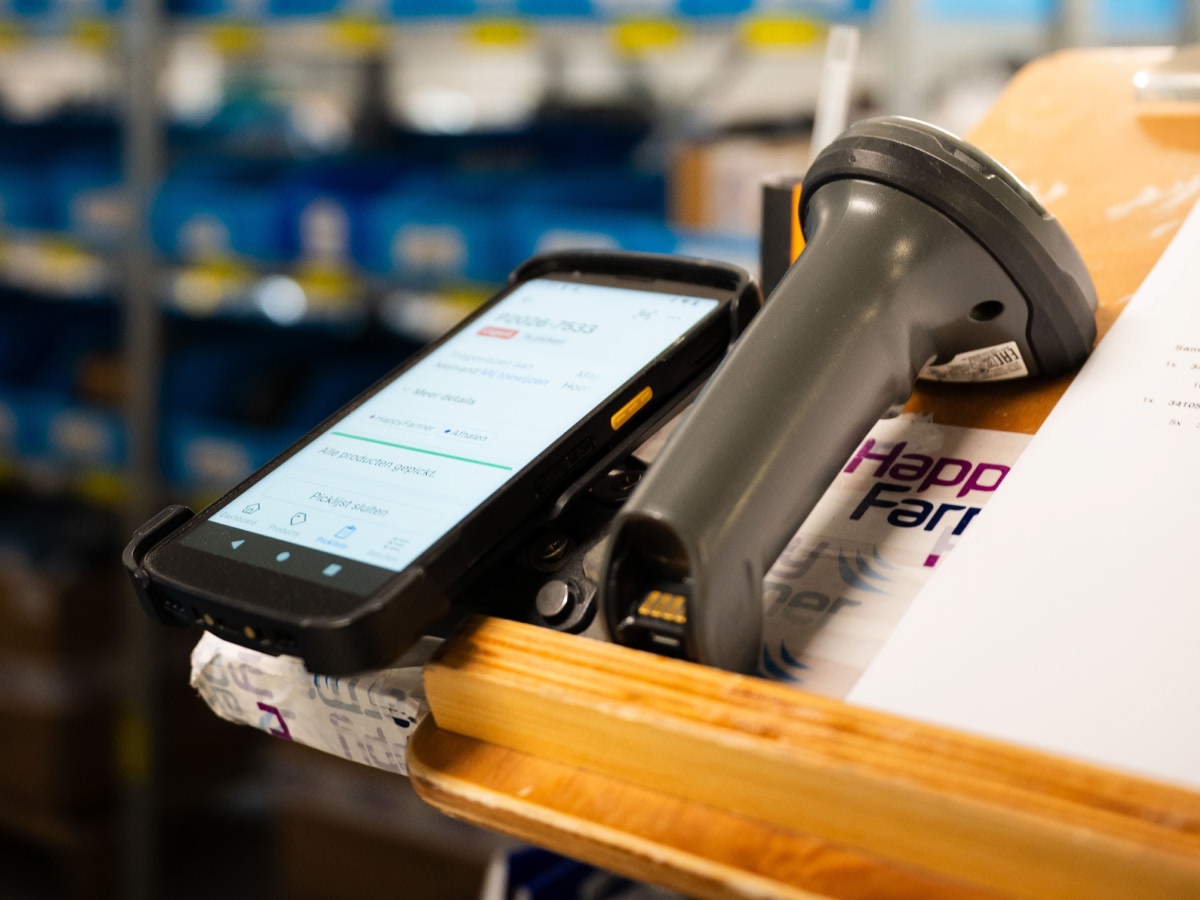
Picqer sends you to the stock that expires first.
-
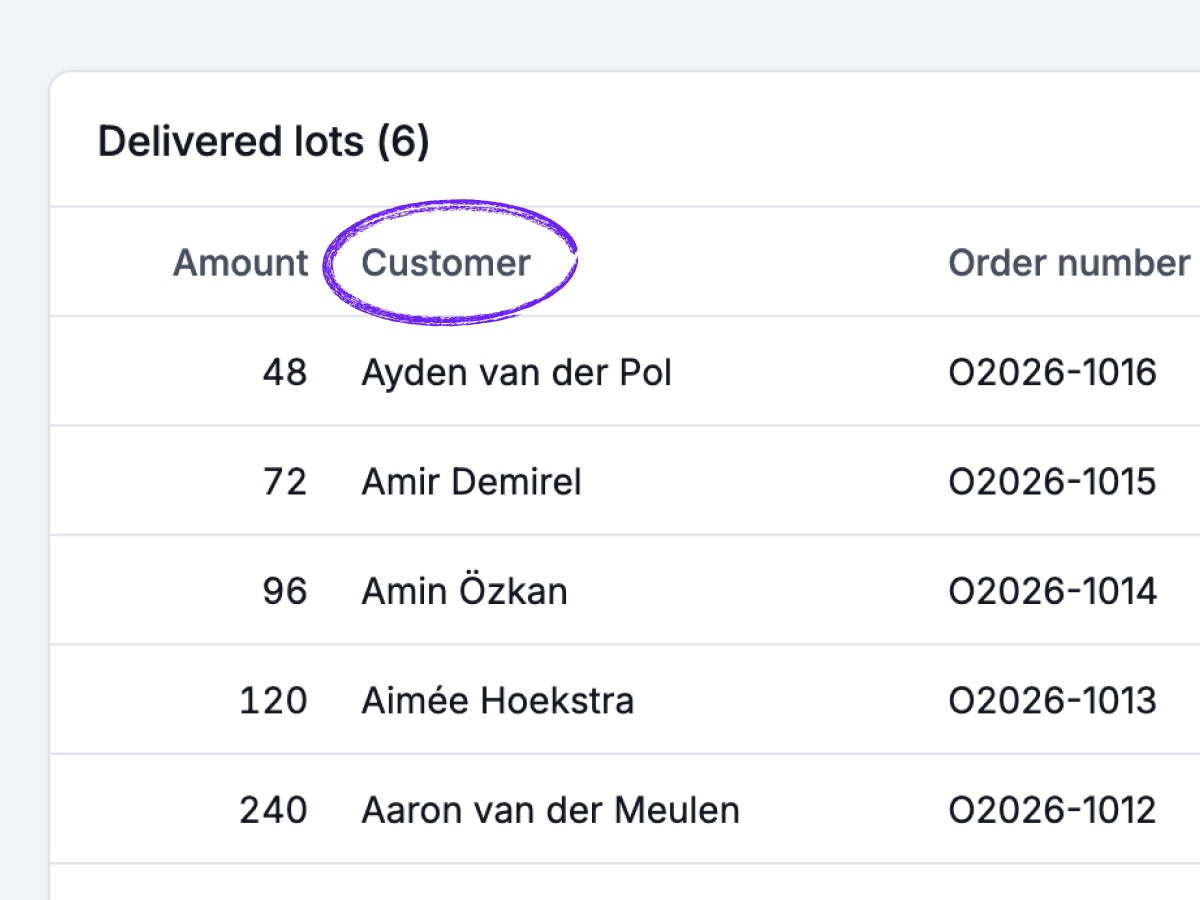
Out of the warehouse
Picqer knows which lot went to which customer.
We celebrated with the team that we can trace our products in Picqer. As an organisation we have grown over the past 7 years, and Picqer has been one of our best choices!
FEFO: First Expired, First Out
Do you have several lots of a product in stock? Then you want to ship the stock that expires first, first. That's why Picqer automatically chooses that stock when it creates a picklist.
In the reports, you also see in one overview which stock expires soon or has already expired. That way you can still sell it in time or take it out of your warehouse.
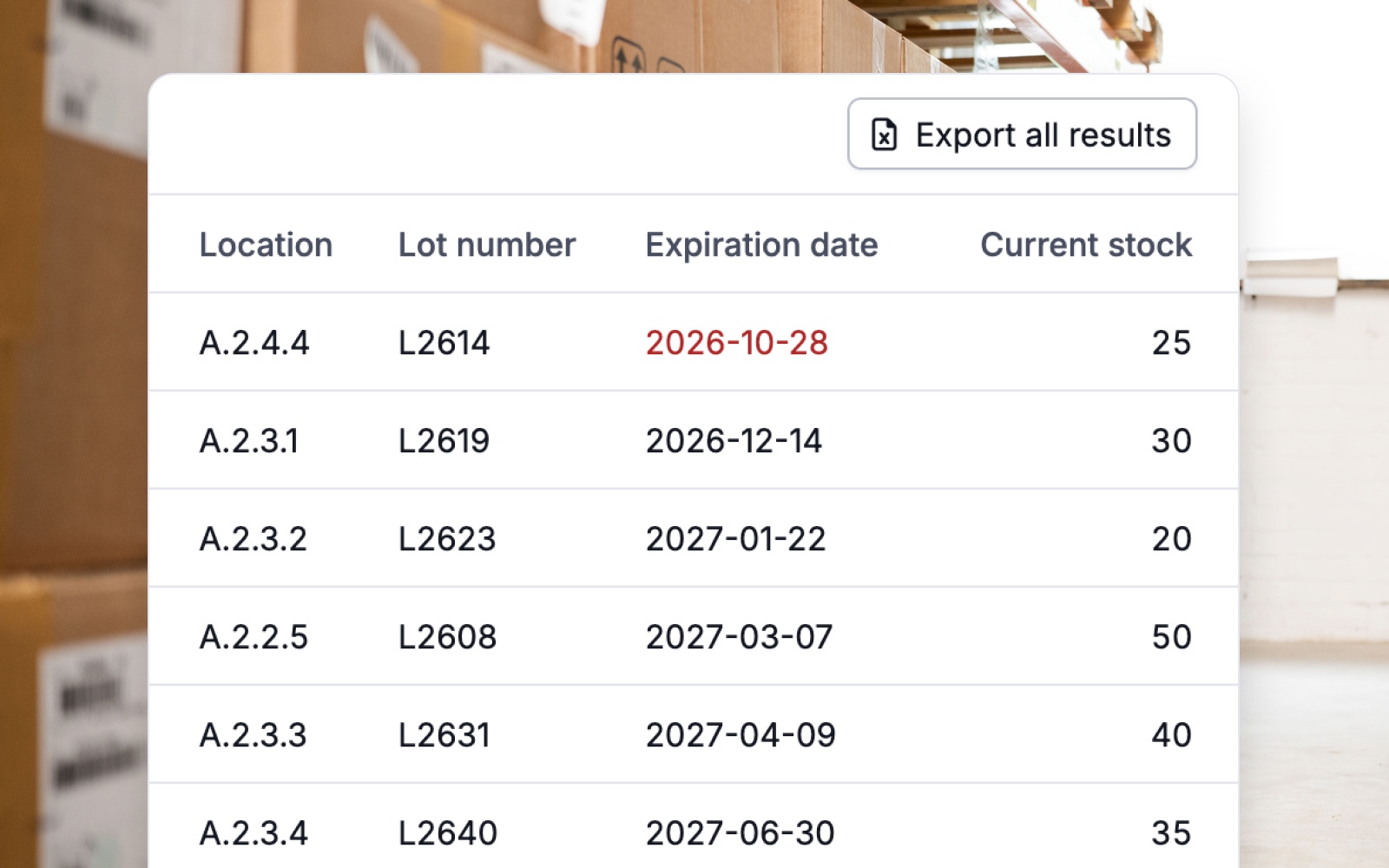
A recall? No problem.
Sometimes you need to be able to show which lot you delivered to whom, for the law or for your certification. Does a supplier recall a lot? Then you see straight away which customers you delivered it to and where you still have stock of it. No need to go through individual picklists.
For fulfilment companies
Your customers see the lot numbers and expiration dates of their receipts in the fulfilment portal. They can also check there which stock expires soon. That saves you questions, and your customer has the overview themselves.
For your own integrations
Do you use your own systems alongside Picqer? Through the API you book in stock with a lot number and expiration date, without retyping anything. The other way round, you fetch those details too: which lot is where, and which lot you shipped per order. That way you have that information at hand in your other systems as well.
Answers to your questions
Does this mean extra work for order pickers?
No. You enter the details once on receipt. After that, Picqer takes care of the rest, including when you move and pick stock.
Can I trace only some of my products?
Yes. Per product you choose what you track: the expiration date, the lot number, or both. Nothing changes for all your other products.
I already have stock in my warehouse. How do I start?
The stock that's already there doesn't need to be updated first. Picqer doesn't hold up your work. In one overview you see which stock doesn't have a lot number or expiration date yet, and you fill that in whenever it suits you.
Can I store several lots of one product on the same location?
No, and that's a deliberate choice. Each location holds one lot of a product. That way Picqer always knows which lot you pick, without anyone having to scan or choose the lot. Other products can share that location. Is there more than one lot on one shelf? Then make each compartment its own location.
What happens to stock without an expiration date?
When picking, stock without a date goes first. After that comes the stock that expires first.
Can I scan the expiration date and lot number from the barcode?
Not yet. We'll add this in the future. You can already scan GS1 codes: Picqer recognises the product by the product code in the barcode.
Is traceability included in my subscription?
Yes. Traceability is included in your subscription, at no extra cost.
Can I try it first?
Yes. Start a free trial account, turn on traceability and try it with a few products. The guide on lot numbers and expiration dates explains how it works.
Want to try it yourself?
Try Picqer free for 14 days. Or talk to an expert, and we'll find out together whether Picqer fits your warehouse.
Picqer has been the best WMS for years, only expiration dates were still missing. It's so great to be able to say in conversations that you can track expiration dates and lot numbers in Picqer. And how incredibly easy it is, so people in the warehouse have no extra work!
 Jefta van der Woerd
Sales