
New on Picqer: Filters
It is now possible to adapt your list overviews in Picqer to your own preferences with the introduction of filters. This way, Picqer can make your warehouse clearer by showing you a set of predetermined items of your choosing.
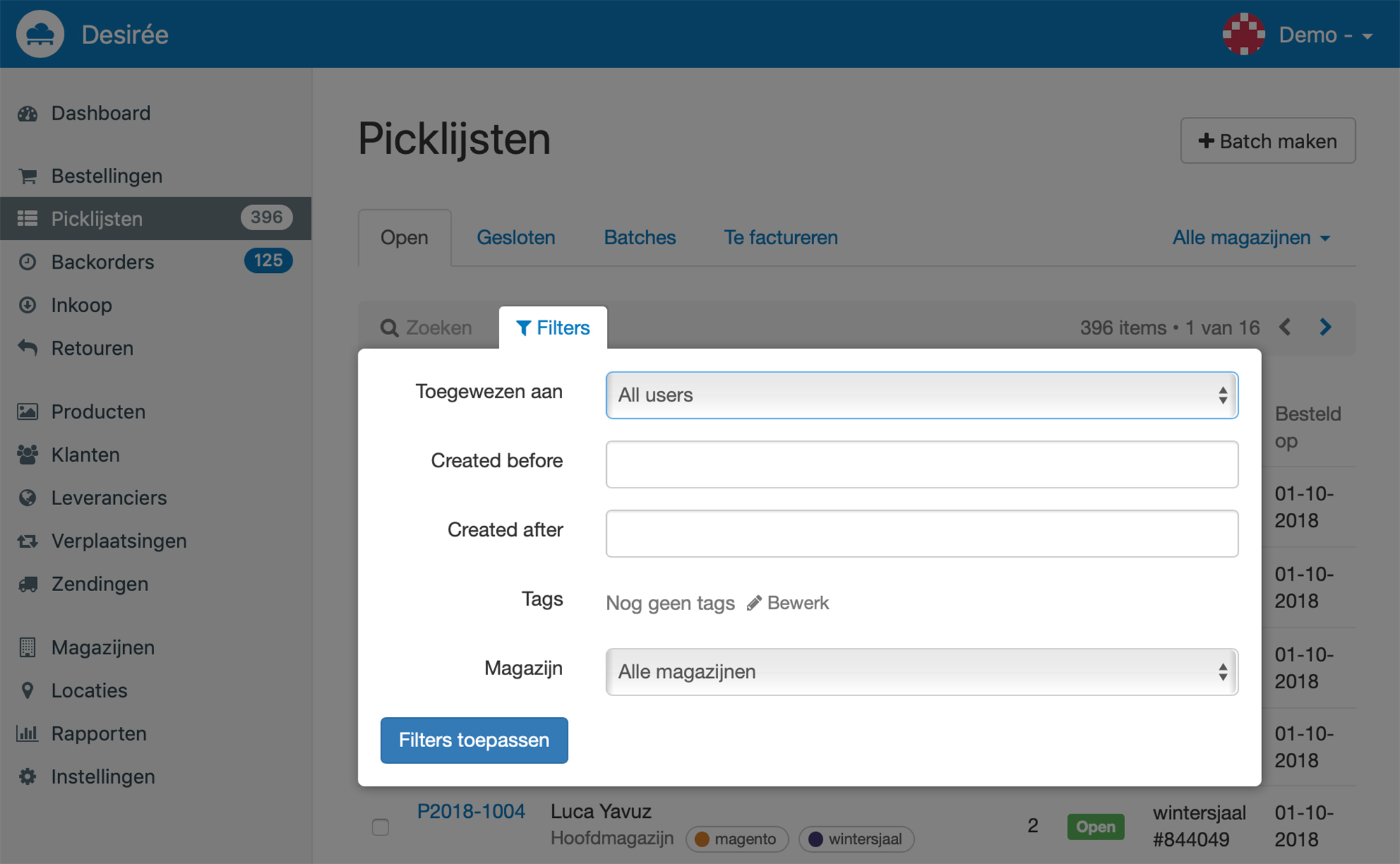
You can use filters by clicking on the Filters button. Here you can make different selections to create an overview of for example all backorders that meet your filter specifications.
It's of course also possible to use multiple filters at the same time. This way you can for example see from a certain user which picklists with a certain tag he has been assigned to.
You find the filter option on the pages Orders, Picklists, Backorders, Purchasing, Returns and Products.
We are moving!
It’s already three years ago that Picqer moved into its current office in Arnhem. Then with only the two co-founders, now with a team of seven. After two internal movings we decided that it really has become too small for our team.
A good moment to search for a new office space that aligns with our vision and identity. And we have found it. So time to pack and move!

New in the team: Désirée
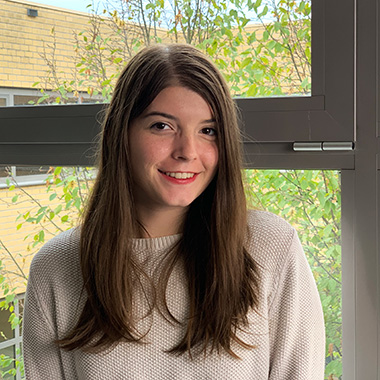 My name is Désirée Kuster and last week I started, full with excitement, as the new Junior Marketeer at Picqer. Last summer I received my bachelor of International Communications from Arnhem Business School. Here I learnt a lot of theoretical knowledge on the subjects of marketing, communication and PR.
During my studies I already came in contact with Picqer as a potential client for my graduation project, which unfortunately didn't get approved by my studies: the company did not have enough employees. Which was a pity as I was already so impressed by Picqer: the team, the vision and the way of working. So when I received a mail from Casper with the question if I was interested in a position as Junior Marketeer after my graduation, it was not a hard decision at all.
As Junior Marketeer I will work on the marketing strategy of Picqer. We have a lot of fun things in the forseeable future, so keep an eye out for our social media and webpage! ;)
In my free time I love to cook, write, learn languages, swim and travel.
I am looking forward to all the informative and good moments that will come!
Batches 2.0
Launching Batches 2.0
At our Meet & Grill event it has become a tradition to launch new functionalities. This summer we have worked hard on Batches 2.0: faster and easier to process multiple picklists at once.
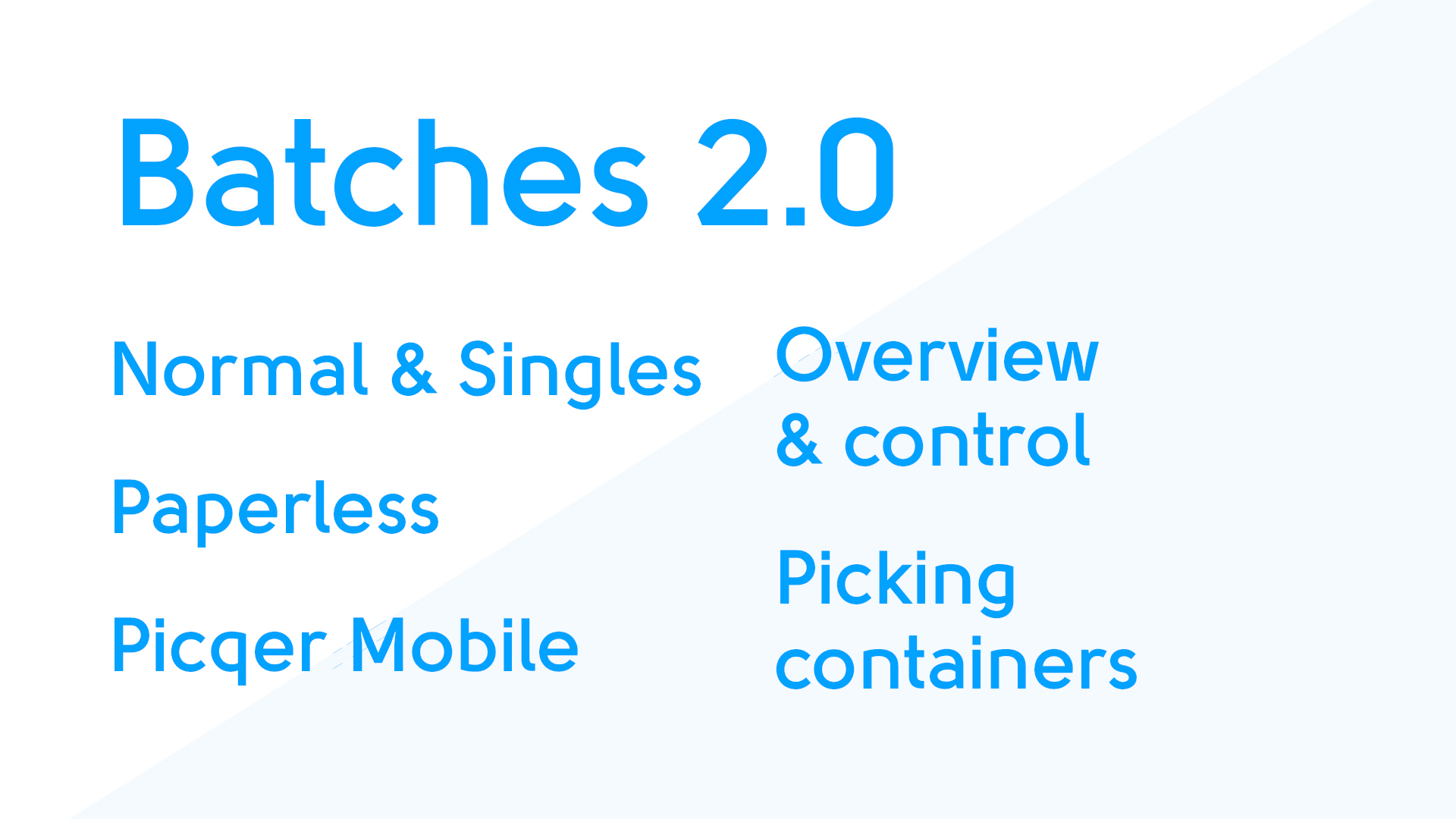
With the new batches we combined the best of combined picklists and singles to Picklists Batches. Now, we have more supervision, extra flexibility and the possibility to process batches paperless.
With singles you can swiftly pick pick lists that consist out of 1 product. With Batches 2.0, you can also make normal batches for picklists that contain multiple products.
This way, you can for example:
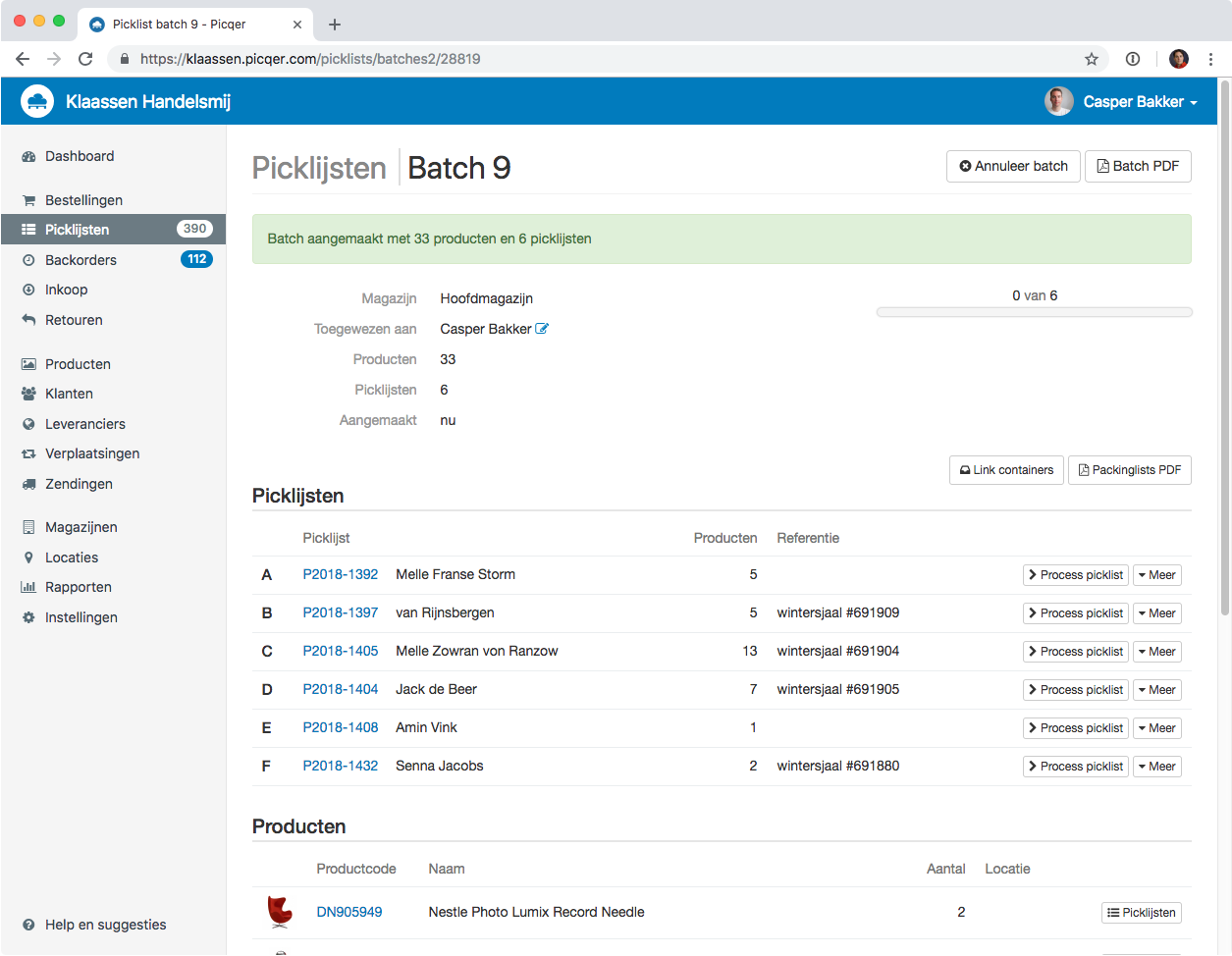
- Manually create batches with pick lists that you select
- Change the appointed staff
- Take a picklist out of a batch
- See for which picklists you need to pick a product
And because of Picqer Mobile support and picking containers, you can pick single and normal batches completely paperless.
Support
We expanded our support pages with detailed information about the new batches.
Do you have any questions about the new batches? Then we are always there to help.
Product types and compositions through API
One of the differentiating features of Picqer are the product compositions. Through this way you can sell sets of products that you easily collect during the picking process.
Product compositions are now fully accessible through the API.
Product type
To make a product composition, we have added the product type to the API. Now you can easily add new products as a product composition, but also convert a product from a usual to a product composition.
"type": "virtual_composition",
Components
You can view and change the components of compositions through the API. Because of this you can manage all aspects of product compositions through the API. This is very easy for when you need to make a lot of product compositions.
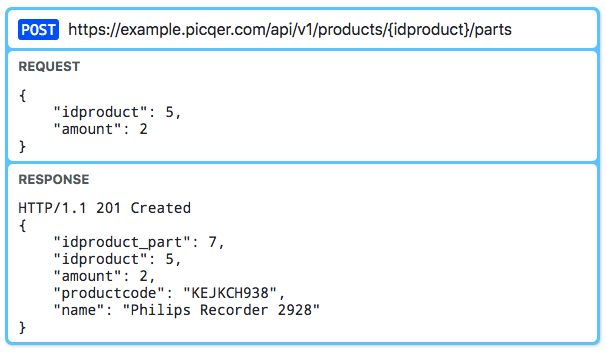
View the documentation of the new API possibilities and try it out for yourself.
Looking for an older article? Browse the full blog archive with all articles.
