
Fietskoeriers.nl integration
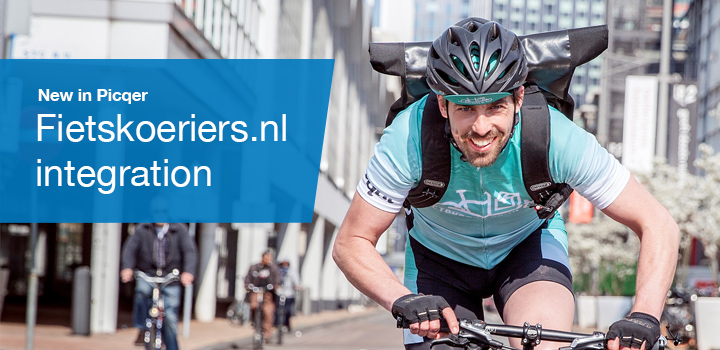
Fietskoeriers.nl delivers packages by bicycle in 30+ Dutch cities. You can now create shipping labels directly in Picqer for Fietskoeriers.nl.
About Fietskoeriers.nl
Fietskoeriers.nl is a platform of Cyclone. It is the first and only parcel delivery by bicycle service that delivers throughout the Netherlands. Their goal is to limit traffic and CO2 emissions. More than 700 bicycle couriers deliver packages from 25 hubs between 6 pm and 10 pm. Fietskoeriers.nl also collects parcels sustainably, for example with green gas delivery vehicles.
Shipping products
With the integration, Fietskoeriers.nl allows you to send letterbox packages and parcels with dimensions up to 60 x 60 x 40 cm in size and 10 kg in weight. By default you will receive a GPS-stamp on delivery (proof of location and time) and you can choose extra services such as Extra Secure shipping, do not deliver to neighbours and signature for receipt.
Start today
If you're not using Fietskoeriers.nl yet but do want your packages delivered sustainably by bike, please contact Fietskoeriers.nl.
Already a customer and ready to integrate? Follow these steps to create labels directly from Fietskoeriers.nl in Picqer.
DHL Parcel integration
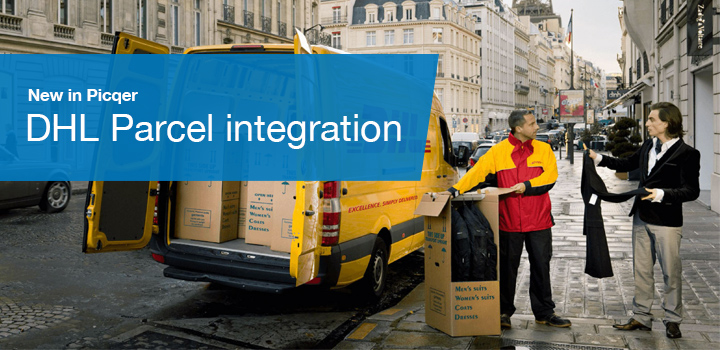
From now on you can connect Picqer directly with DHL Parcel. The integration was developed by the DHL team at the beginning of this year and has been successfully used by dozens of customers in recent months.
About DHL Parcel
DHL Parcel is the Dutch branch of DHL, the largest parcel carrier in the world. In the Netherlands, DHL has 16 sorting centers, 3,000 service points and 7,000 employees.
Supported products
With the integration you can send letterbox packages and parcels throughout Europe and choose from additional services such as evening delivery, insured shipping and more. European pallet shipments were also added to the integration this week.
With Rules you can automatically choose the right shipping profiles and delivery options based on the content of the order.
Start today
To use the integration you only need your own DHL Parcel contract and an account on My DHL Parcel. Not a DHL customer yet? Then you can register here as a business DHL customer.
Ready to integrate? Follow these steps and you can create DHL labels directly within Picqer.
New: PostNL International letterbox packages
Due to changes in international rules, it is mandatory to have a label with barcode on international letterbox packages. To support this, we have added four new PostNL shipping products
International letterbox packages for shipping products
The four new shipping products that we have added for international letterbox packages are:
- 6440 - International Priority letterbox package (Untracked)
- 6405 - International Priority Package (Untracked)
- 6350 - International Priority Package (Tracked)
- 6906 - International Priority Package Extra (Registered)
How do I use the shipping products?
The shipping products are part of the 'Special products'. This can be set when you create a PostNL parcel service. When adding a shipping profile, the shipping products can be selected. Do you need more help? View our support page (Dutch).
The shipping products do not require additional contractual agreements with PostNL, these are available to all PostNL customers.
How we work during the coronavirus
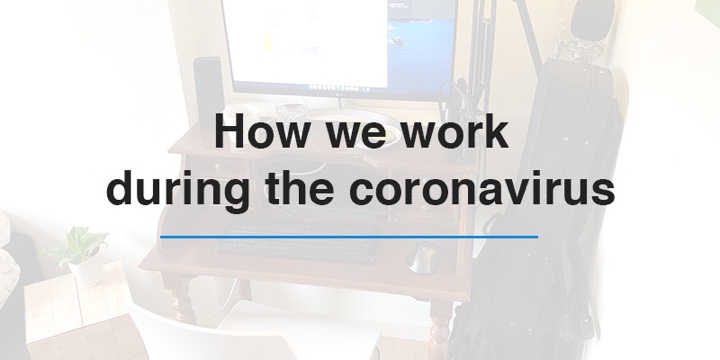
Many measures have been taken to contain the coronavirus. We at Picqer also made adjustments to ensure we can continue working as usual. In this blog we explain how we adapted our working method and what you can expect from us in the coming weeks.
Preparing to work remotely
At Picqer it is already common practice to work asynchronously and regularly from home. For example, our support already worked remotely for at least one day a week.
Two weeks ago we went one step further by switching to remote-first working. Hereby we assumed that everyone worked remotely, even if everyone was in the office. This way we prevented spreading and were prepared to now all work from home.
Remote-first
We use various tools to work remote-first. For example, we use Basecamp for all communication about current projects and video calls with Zoom for meetings. We give Picqer demonstrations by video calling and online screen sharing. Of course fun should not be forgotten, so we created a lounge chat in Slack to replace the chats at the coffee counter.
Working from home
On March 12th it was advised to work from home whenever possible. Prepared with the remote-first policy, many of us went home with their desktop screens under their arm. Until advice is given to resume normal working methods, almost all of us work from home.
Our home offices
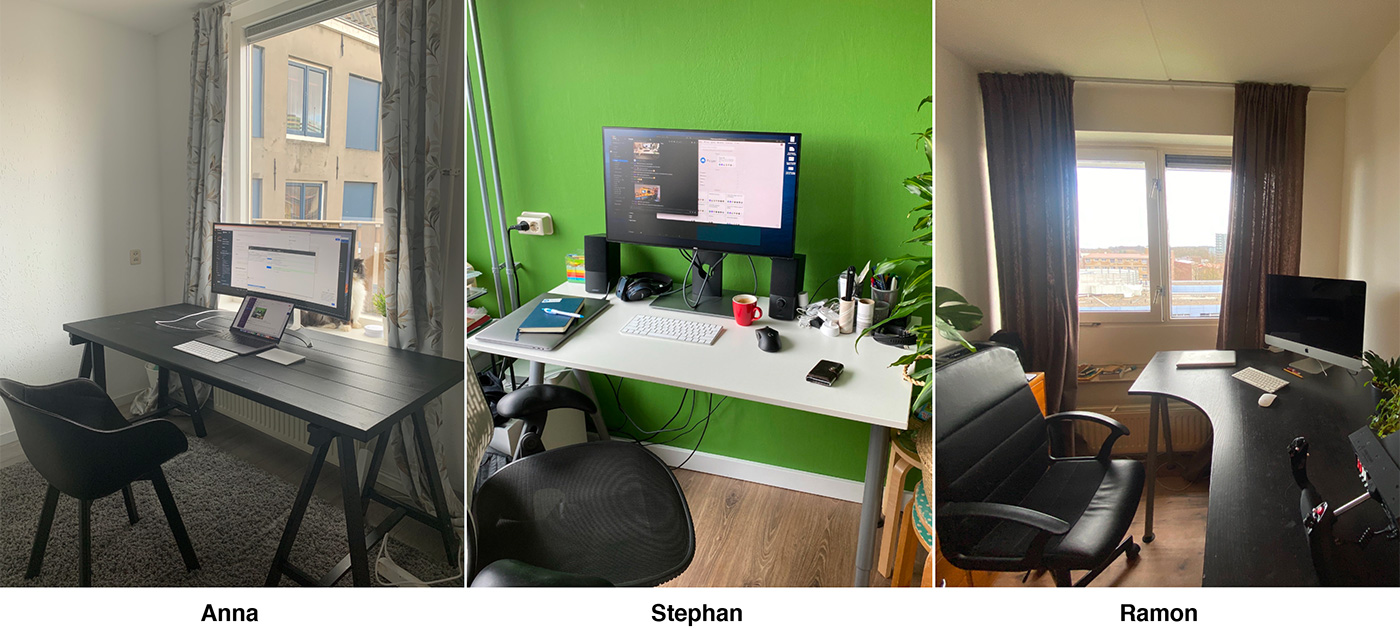
Support like you’re used to
Because of our preparation and experience with working from home we remain available as usual. This means that we respond quickly to your emails on weekdays from 9 to 5. We will also continue to develop Picqer and launch new functionalities.
For the time being, we no longer organize meetings such as the Picqer Sessions.
We wish everyone lots of health in the weeks to come!
Picqer App 1.16 update
Version 1.16 of the Picqer App is now available in the App Store. We fixed some bugs related to the live updates of receipts and we have something new:
Creating picklist batches
From now on you can create new picklist batches directly in the app. We use the batch presets, so you can create a new batch with the push of a button.
In the app, go to Picklists > Batches > Add. Here you choose which preset you want to use to create a new picklist batch. The batch is created immediately and you can start picking.
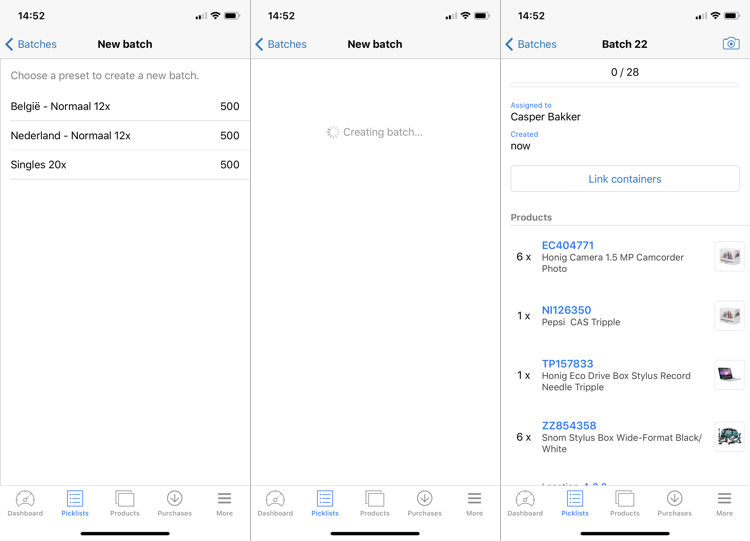
You can manage batch presets in the browser on the batch presets page.
You find the Picqer app for iOS in the App Store.
Looking for an older article? Browse the full blog archive with all articles.
